A scanner for your digital receipts
All your receipts in one place
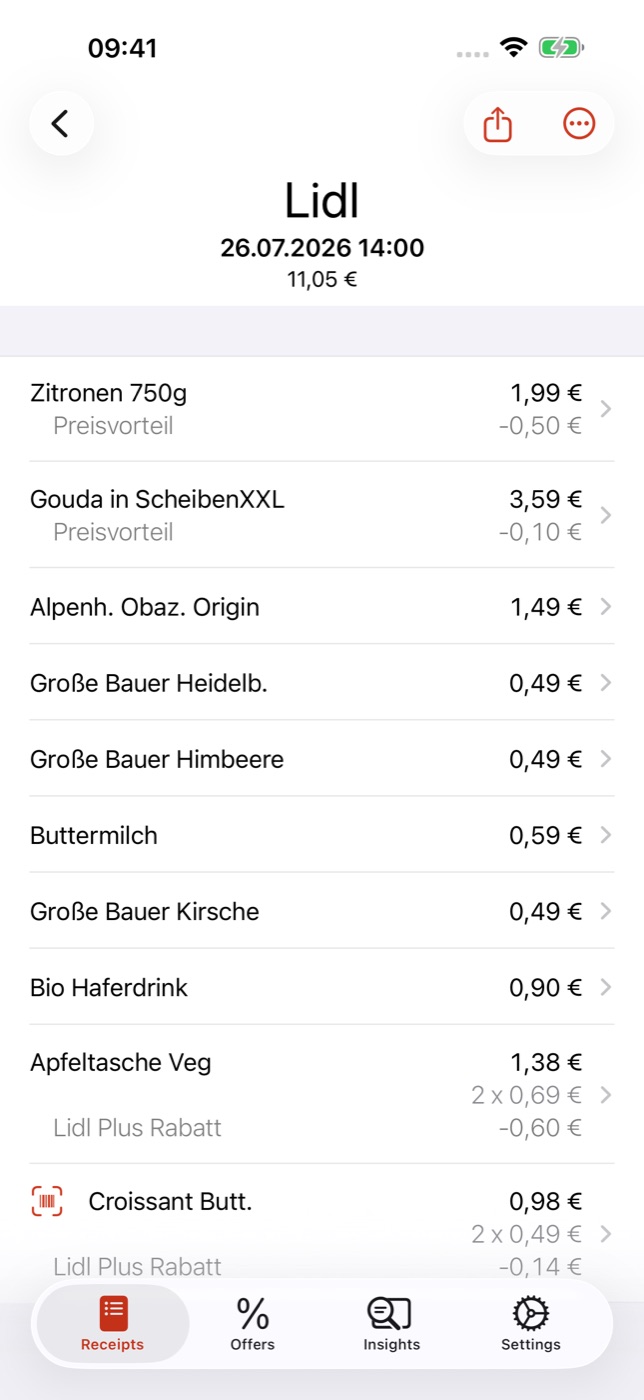
Share digital receipts from your supermarket's app with eBonito. See item by item where your grocery money goes.
Currently for digital receipts: Scanning photographs of paper receipts is not supported.
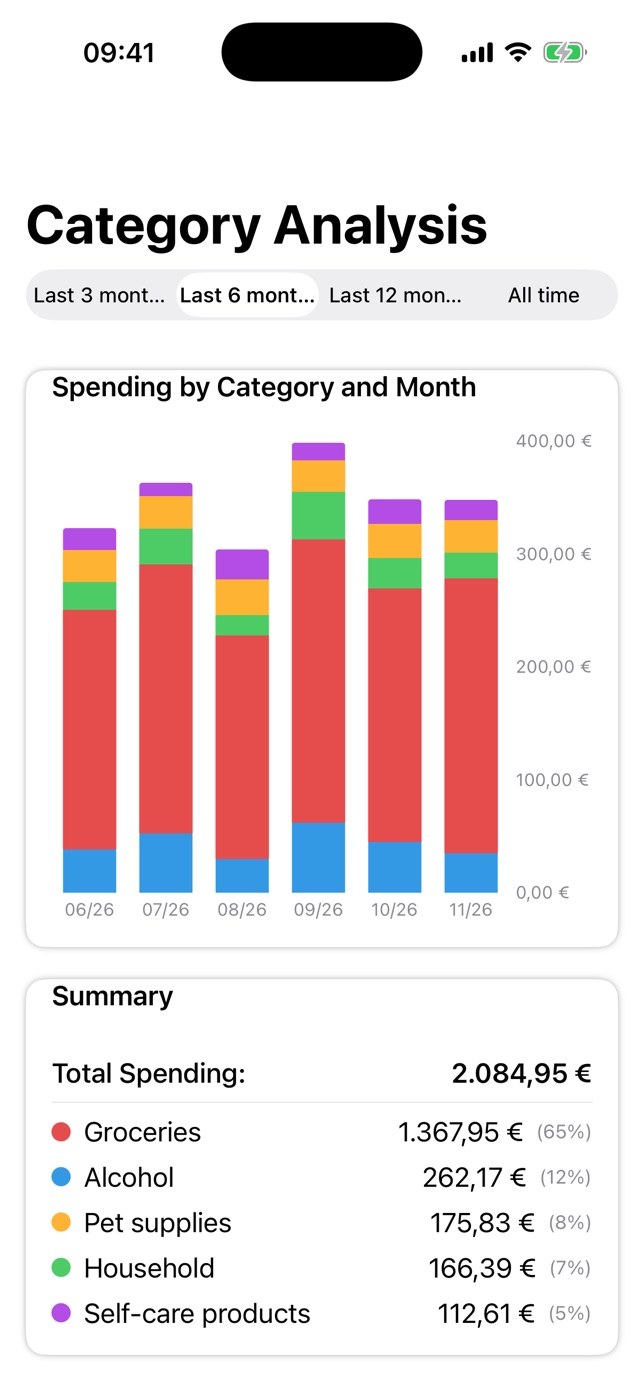
Understand your spending
You buy more than food at the supermarket. Put items into categories and see, month by month, where the money goes.
Learn moreOffers for what you buy
eBonito shows offers for products you actually buy, in the stores where you shop.
Learn moreDigital receipts, not paper
Your receipts stay findable, last month's too. The originals are also kept in the Files app.
Learn moreHow it works
- Share a receipt Open the digital receipt in your supermarket's app and share it with eBonito.
- eBonito reads the items Prices, quantities, deposits and discounts are recognized. You check and save.
- Review and save money Categories, monthly overviews and matching offers follow by themselves.
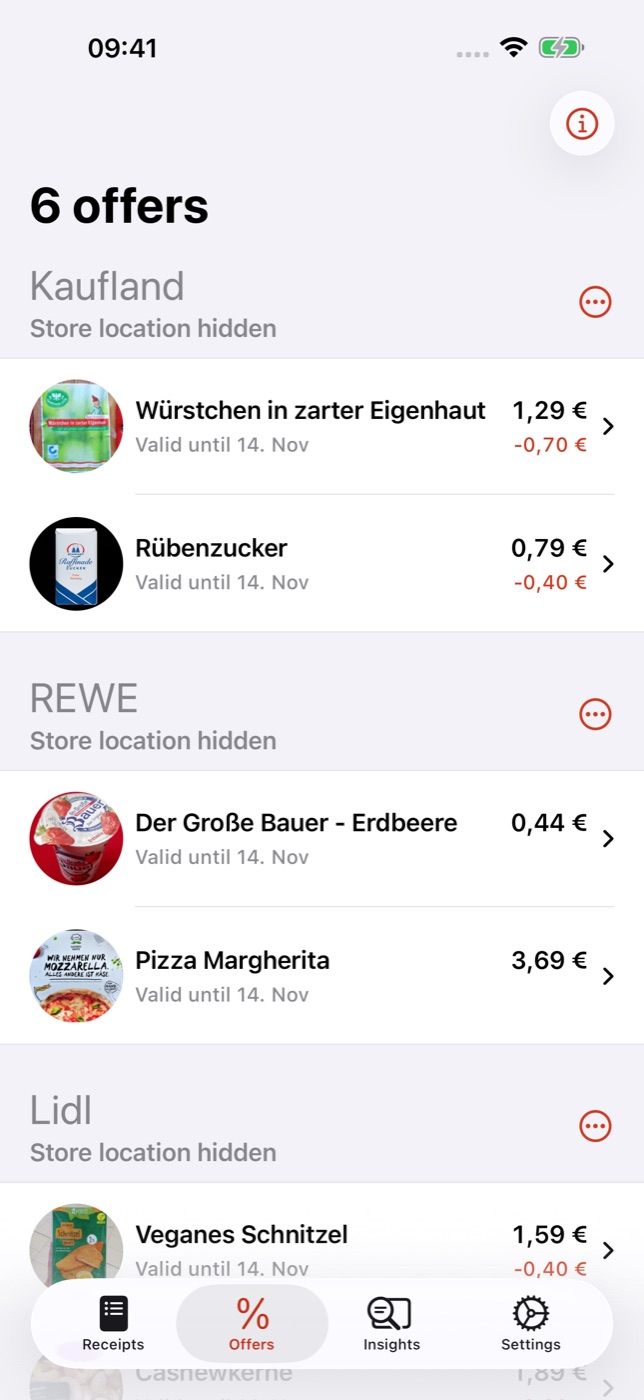
See when your products are on offer
Leaflets show everything. eBonito shows what you have bought before, with price and validity.
Suggestions are based on your imported receipts.
Try it with your next shop.
eBonito is an independent project from Berlin.